From tired buzzers to modern entry
Upgrade an Old Intercom to Video in Chicago
Old audio intercoms can limp along for years, then fail at the worst possible time. Winter is not the best time to discover that tenants cannot reliably let visitors in. A planned upgrade gives the building a cleaner path forward.
- Audio buzzer to video intercom upgrades
- Reuse wiring where it makes sense
- Mobile app and cloud-managed options
Who it fits
For buildings outgrowing old buzzers
This is for properties where the existing intercom is outdated, unreliable, hard to repair, or no longer matches how residents and staff want to answer the door.
Some buildings need a clean modern video intercom. Some need the wiring mystery solved first.
Good fit for
- Apartment buildings with old button panels
- Condos replacing lobby audio intercoms
- Commercial spaces moving to video visitor screening
- Buildings where wiring condition is uncertain
Problems solved
Common problems this service addresses
Entry issue
Audio is scratchy, weak, or completely dead in some units
Entry issue
Replacement parts are hard to find or not worth the repair cost
Entry issue
Residents want phone-based answering instead of wall stations
Entry issue
The entry panel looks dated and does not support modern access needs
System types
Recommended system options
The final recommendation should follow the building conditions, user needs, and door hardware. That keeps the project practical after the installer leaves.
- Cloud video intercoms that reduce dependence on old in-unit wiring
- IP-based panels with manager controls
- Hybrid upgrades that reuse stable wiring and replace failing equipment
- Access control additions such as PINs, fobs, and remote door release
Chicago reality check
What changes the recommendation on a real building
A useful recommendation should survive the site visit. Around Chicago, that means looking past the product name and checking the door, wiring, weather exposure, users, and day-to-day management.
The door decides more than the brochure
For video intercom upgrades, the entry door, frame, closer, latch, strike, and power supply can matter as much as the panel. A nice screen will not fix a door that does not close cleanly in February.
Old wiring deserves a real look
Many Chicago buildings have cable that has been reused, spliced, abandoned, or labeled by someone who moved on years ago. Testing the wire before choosing equipment keeps the project grounded.
Management has to live with it
Resident names, vendor access, move-ins, packages, and after-hours calls all become part of the system. The right setup should reduce phone calls to the manager, not create new ones.
Repair, replace, or upgrade
How to think about the next step
The right choice is not always the newest equipment. Sometimes a focused repair buys years. Sometimes another patch just resets the complaint clock.
| Path | When it makes sense | Site signal to check |
|---|---|---|
| Repair the current system | Best when the failure is isolated, parts are available, and the building is still happy with the basic workflow. | Audio is scratchy, weak, or completely dead in some units |
| Replace the panel or shared equipment | Worth considering when the front panel, amplifier, directory, reader, or door release is the weak link but wiring may still be usable. | Condition and type of old wiring |
| Upgrade the system | Makes more sense when resident access, package traffic, remote answering, or management controls have outgrown the old setup. | Cloud video intercoms that reduce dependence on old in-unit wiring |
Field notes
The first upgrade question is not always video or no video
The first question is what still has value. Some buildings have usable wire and a failing panel. Others have old stations, unknown splices, tired power, and door hardware that should not be trusted for another system.
Useful details
- If old wiring is stable, a hybrid or partial upgrade may be possible
- If in-unit wiring is unreliable, app-based visitor calling may avoid opening every unit
- If residents want phones but the board wants control, user management matters as much as hardware
- If the front panel is the only weak point, a panel or amplifier repair may buy time
- If package traffic is the real problem, access rules may matter more than camera quality
Field notes
When keeping audio is the smarter short-term move
A full video upgrade is not automatically the best answer. Older analog buildings can sometimes be repaired or cleaned up if the building wants simple visitor calling and the wiring is still serviceable.
Useful details
- Alpha-style analog panels and amplifiers are still common around Chicago
- Button, speaker, microphone, and amplifier failures can be isolated
- Simple audio may be enough for small buildings with stable tenants
- A staged plan can repair the urgent issue now and prepare for video later
Related reading
Good next pages before upgrading
These pages help decide whether to repair, partially replace, or move to a modern video system.
Process
Installation or upgrade process
The process starts with a real look at the property. Door entry projects go better when the wiring, lock, power, and manager needs are understood before parts are ordered.
- Document the old system, wiring paths, tenant count, and door release equipment.
- Test what still works and identify what should not be trusted for the next system.
- Recommend upgrade paths with practical tradeoffs, including app-based and wired options.
- Install the new system, migrate users, and remove or retire obsolete equipment as appropriate.
Before the site visit
Details that make the first conversation useful
A few clear details can prevent a vague quote. The goal is not to make the owner diagnose the system; it is to avoid missing the obvious door, wiring, or access issue before anyone starts pricing parts.
Helpful details to send
- Current panel brand or model, if it is visible
- Number of apartments, offices, staff, residents, or regular users
- Every entry door, gate, lobby, vestibule, rear door, or package door involved
- Photos of the outside panel, latch side of the door, power supply, and wiring area
- What still works, what fails every day, and what only fails when the weather gets ugly
Cost factors
What affects cost
Pricing depends on building size, wiring, number of entry points, and system type. The goal is to avoid surprises by checking the pieces that usually drive labor and equipment scope.
- Condition and type of old wiring
- Whether in-unit stations are replaced or bypassed
- Number of units and entry points
- Door release and lock hardware upgrades
- Resident onboarding and manager setup needs
Field photos
Field photos for video intercom upgrades
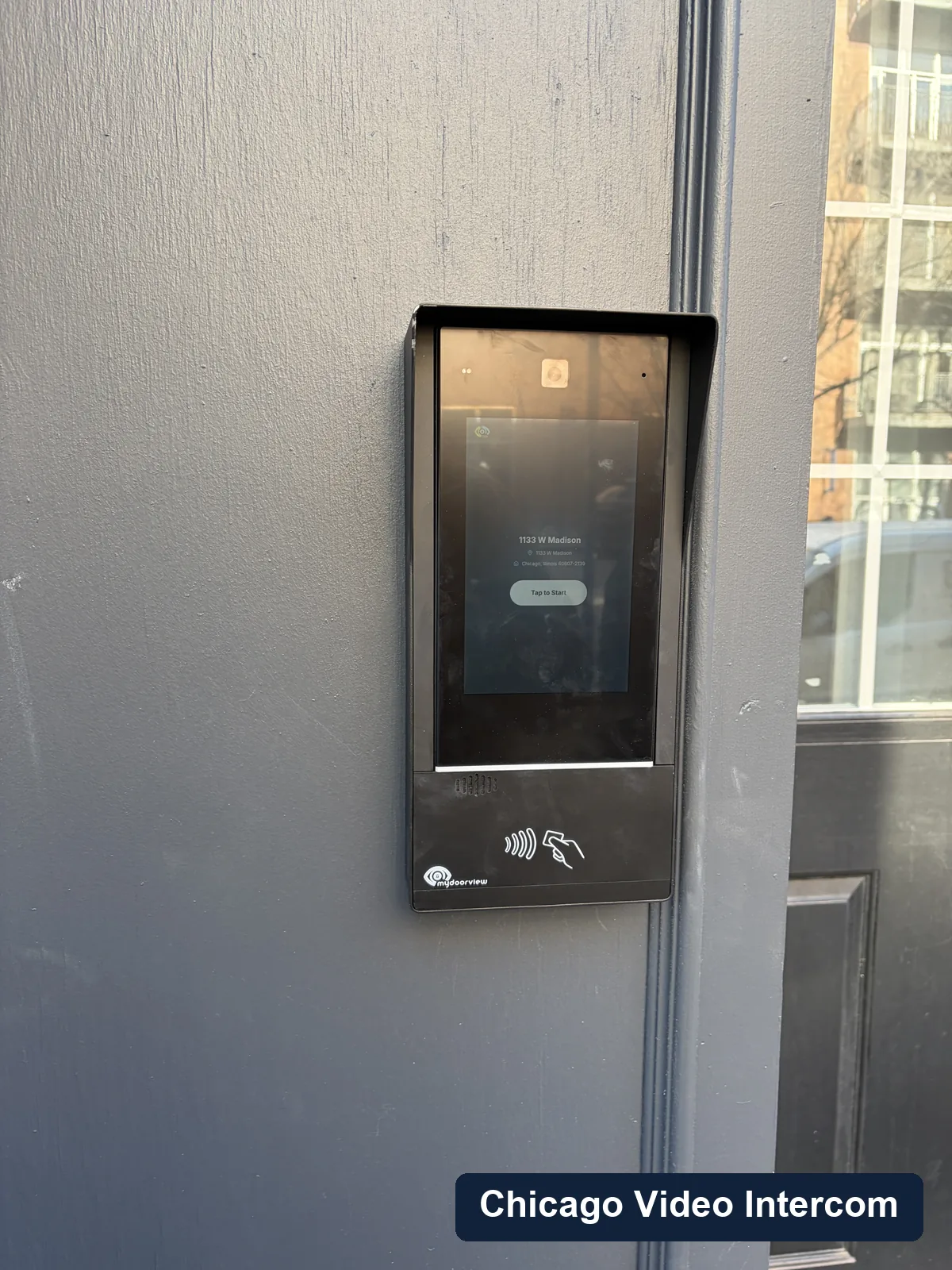
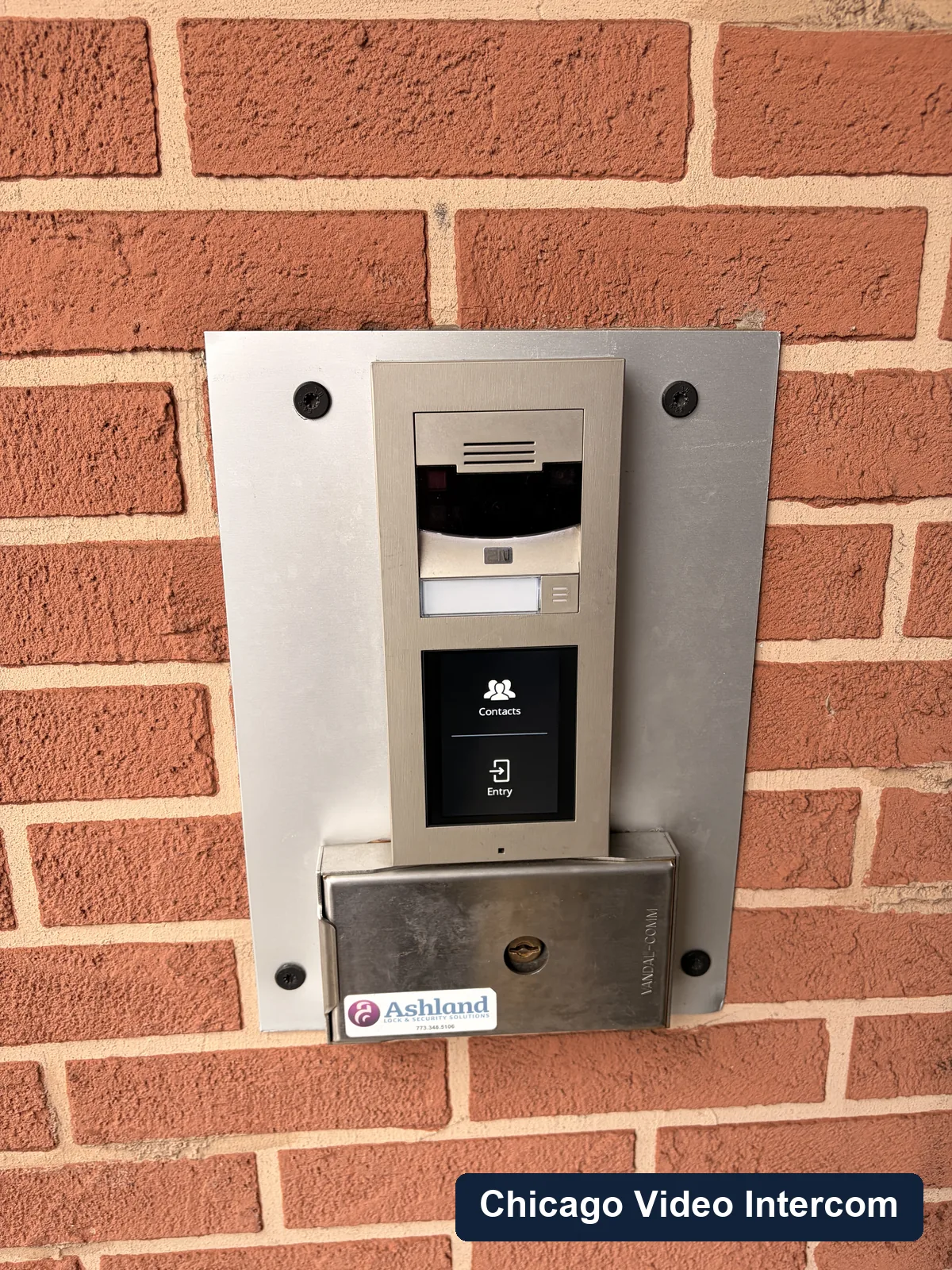
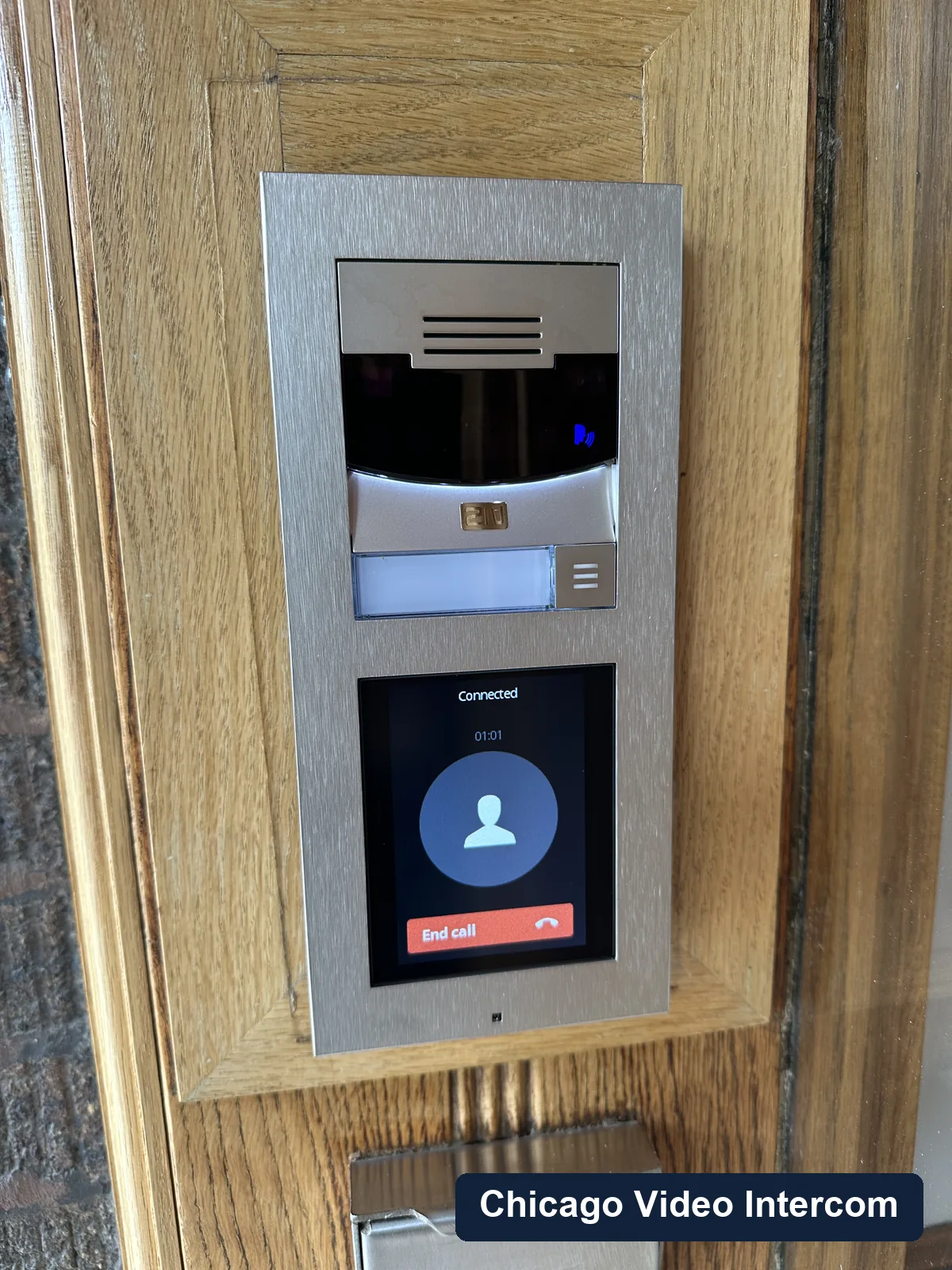
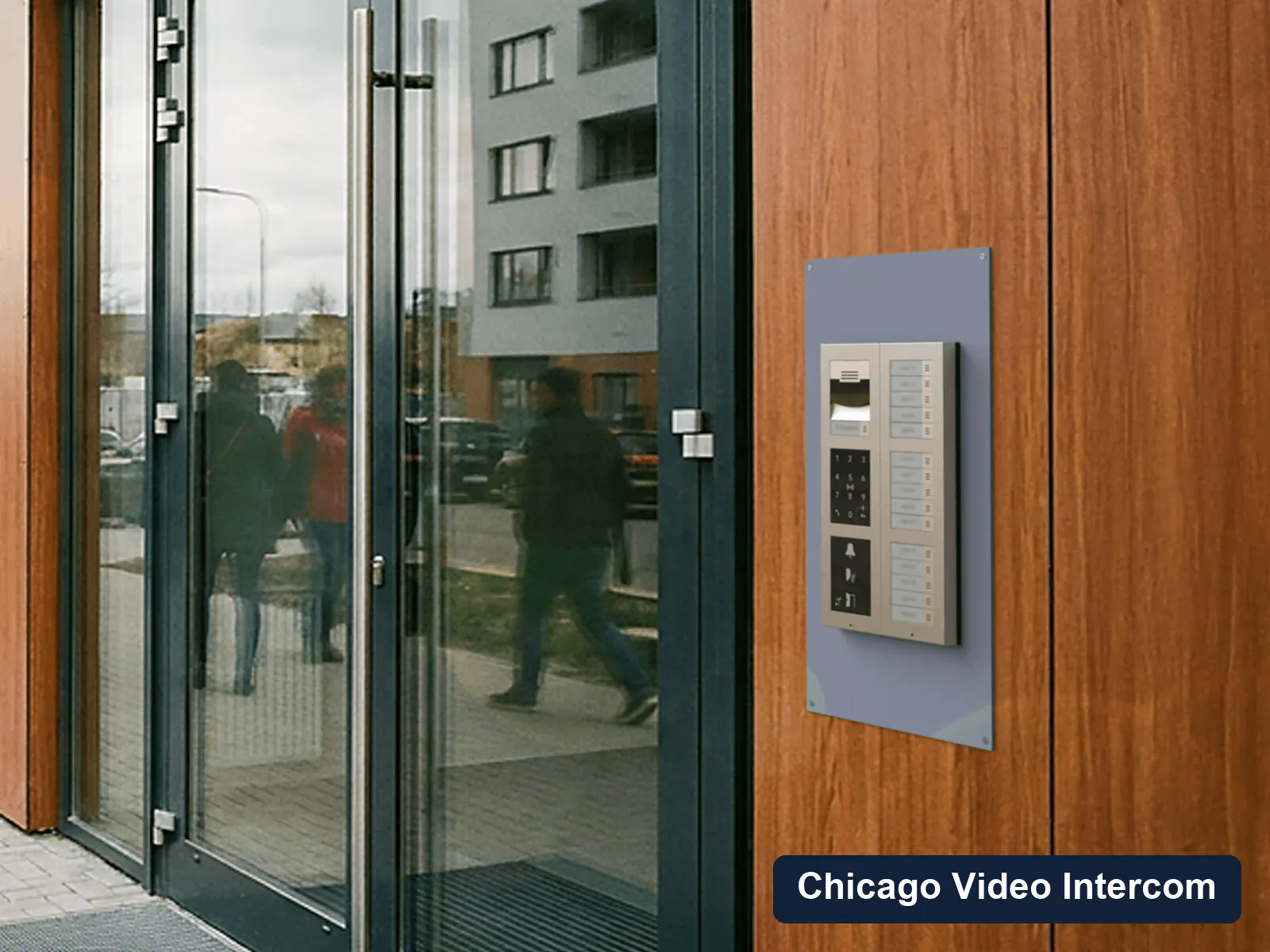
These are real entry panels, wiring areas, gate entries, lobby panels, and service conditions from the kind of Chicago buildings this page is about.
Areas served
Chicago service area
Service covers Chicago neighborhoods including Lincoln Park, Lakeview, River North, Wicker Park, and West Loop, with nearby suburban work in Evanston, Skokie, Winnetka, Wilmette, and Northbrook.
FAQ
Questions about video intercom upgrades
Can old intercom wiring be reused?
Sometimes. It depends on the wire type, condition, routing, and the new system being considered. A site check is the honest answer.
Do residents need to be home during an upgrade?
It depends on whether in-unit equipment is being installed. App-based systems may require less in-unit work than traditional wired station upgrades.
Can an upgrade happen in phases?
In some buildings, yes. Phasing depends on the existing system, door hardware, and whether old and new equipment can safely overlap during the transition.
Talk through video intercom upgrades
Share the building type, neighborhood, number of units or users, entry points, and what is happening with the current system.