Visitor entry for working buildings
Commercial Video Intercom Systems in Chicago
Commercial doors have their own rhythm: employees, vendors, deliveries, clients, after-hours calls, and the occasional person who insists they are at the right entrance when they are not. A good video intercom keeps that traffic organized.
- Office, retail, warehouse, and studio entries
- Video visitor screening and remote release
- Keypad, fob, and access control options
Who it fits
For offices, shops, and commercial properties
This service fits businesses and building owners who need controlled entry without adding a receptionist to every door.
For many Chicago businesses, the best setup is simple: see the visitor, talk briefly, open the right door, and get back to work.
Good fit for
- Street-level offices and professional suites
- Retail spaces with staff-only back entrances
- Warehouses and light industrial buildings
- Studios, clinics, and service businesses with controlled visitor flow
Problems solved
Common problems this service addresses
Entry issue
Staff cannot see who is at the door before releasing it
Entry issue
Deliveries go to the wrong entry or interrupt the wrong person
Entry issue
After-hours access depends on keys that are hard to track
Entry issue
A buzzer works, but it does not match how the business operates anymore
System types
Recommended system options
The final recommendation should follow the building conditions, user needs, and door hardware. That keeps the project practical after the installer leaves.
- Video door stations for front and rear entries
- Mobile and desk-based answering options
- Keypad or fob access for staff and approved vendors
- Integration with electric strikes, maglocks, and access control panels
Chicago reality check
What changes the recommendation on a real building
A useful recommendation should survive the site visit. Around Chicago, that means looking past the product name and checking the door, wiring, weather exposure, users, and day-to-day management.
The door decides more than the brochure
For commercial video intercom systems, the entry door, frame, closer, latch, strike, and power supply can matter as much as the panel. A nice screen will not fix a door that does not close cleanly in February.
Old wiring deserves a real look
Many Chicago buildings have cable that has been reused, spliced, abandoned, or labeled by someone who moved on years ago. Testing the wire before choosing equipment keeps the project grounded.
Management has to live with it
Resident names, vendor access, move-ins, packages, and after-hours calls all become part of the system. The right setup should reduce phone calls to the manager, not create new ones.
Repair, replace, or upgrade
How to think about the next step
The right choice is not always the newest equipment. Sometimes a focused repair buys years. Sometimes another patch just resets the complaint clock.
| Path | When it makes sense | Site signal to check |
|---|---|---|
| Repair the current system | Best when the failure is isolated, parts are available, and the building is still happy with the basic workflow. | Staff cannot see who is at the door before releasing it |
| Replace the panel or shared equipment | Worth considering when the front panel, amplifier, directory, reader, or door release is the weak link but wiring may still be usable. | Number of entrances and users |
| Upgrade the system | Makes more sense when resident access, package traffic, remote answering, or management controls have outgrown the old setup. | Video door stations for front and rear entries |
Field notes
Commercial entry has to match how the business operates
An office, shop, clinic, studio, warehouse, and rear service door do not need the same entry workflow. The right system keeps visitors moving without giving every staff member another screen to babysit.
Useful details
- Front-door visitors may need video screening and a quick release
- Staff may need fobs, cards, PINs, or mobile credentials instead of shared keys
- Delivery and vendor doors may need scheduled access or a separate call path
- After-hours calls should route to the right person, not the entire team
- Rear doors and service entrances should be tested as carefully as the front door
Field notes
A commercial intercom often becomes an access control project
Many commercial intercom requests start with visitor calling and end with access rules. That is normal. The important part is deciding early which doors need controlled access and which doors only need a clean doorbell-style video station.
Useful details
- Fob readers and keypads can reduce key handoffs
- Schedules can limit vendor or cleaning crew access
- Door position and request-to-exit needs should be reviewed where access control is added
- Existing access control panels may be reusable, or they may be the reason the system feels unreliable
Related reading
Good next pages for commercial properties
These pages separate visitor intercom needs from staff access, rear-door control, and office workflows.
Process
Installation or upgrade process
The process starts with a real look at the property. Door entry projects go better when the wiring, lock, power, and manager needs are understood before parts are ordered.
- Map daily entry traffic, staff access needs, visitor flow, and delivery patterns.
- Check door hardware, network reach, power, mounting conditions, and security requirements.
- Install and configure the intercom, door release, users, and access schedules where applicable.
- Test normal business hours, after-hours behavior, and backup procedures.
Before the site visit
Details that make the first conversation useful
A few clear details can prevent a vague quote. The goal is not to make the owner diagnose the system; it is to avoid missing the obvious door, wiring, or access issue before anyone starts pricing parts.
Helpful details to send
- Current panel brand or model, if it is visible
- Number of apartments, offices, staff, residents, or regular users
- Every entry door, gate, lobby, vestibule, rear door, or package door involved
- Photos of the outside panel, latch side of the door, power supply, and wiring area
- What still works, what fails every day, and what only fails when the weather gets ugly
Cost factors
What affects cost
Pricing depends on building size, wiring, number of entry points, and system type. The goal is to avoid surprises by checking the pieces that usually drive labor and equipment scope.
- Number of entrances and users
- Door hardware condition and lock type
- Need for access schedules, PINs, fobs, or vendor access
- Network and power availability at each entry
- Whether the system connects to existing access control
Field photos
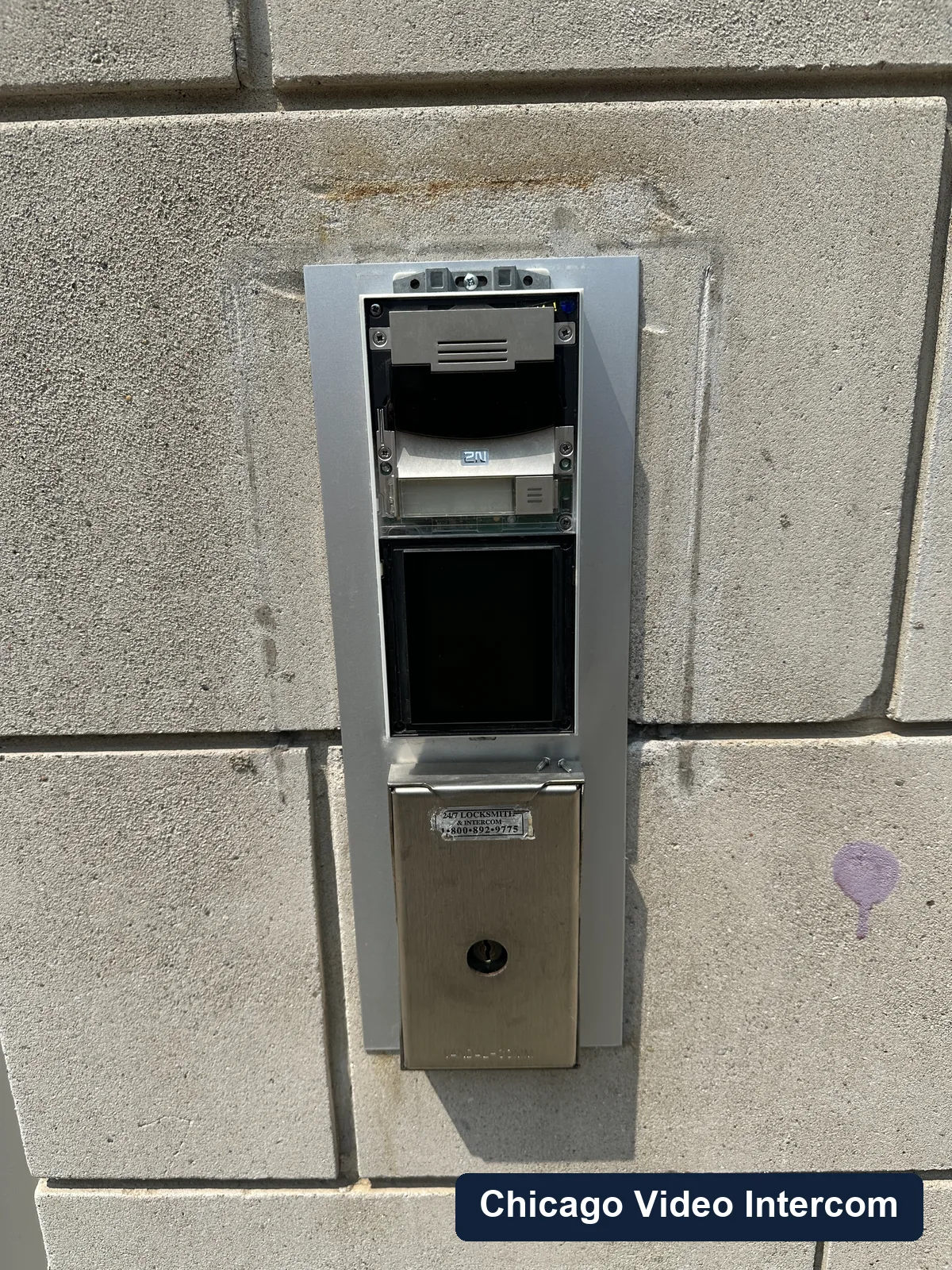
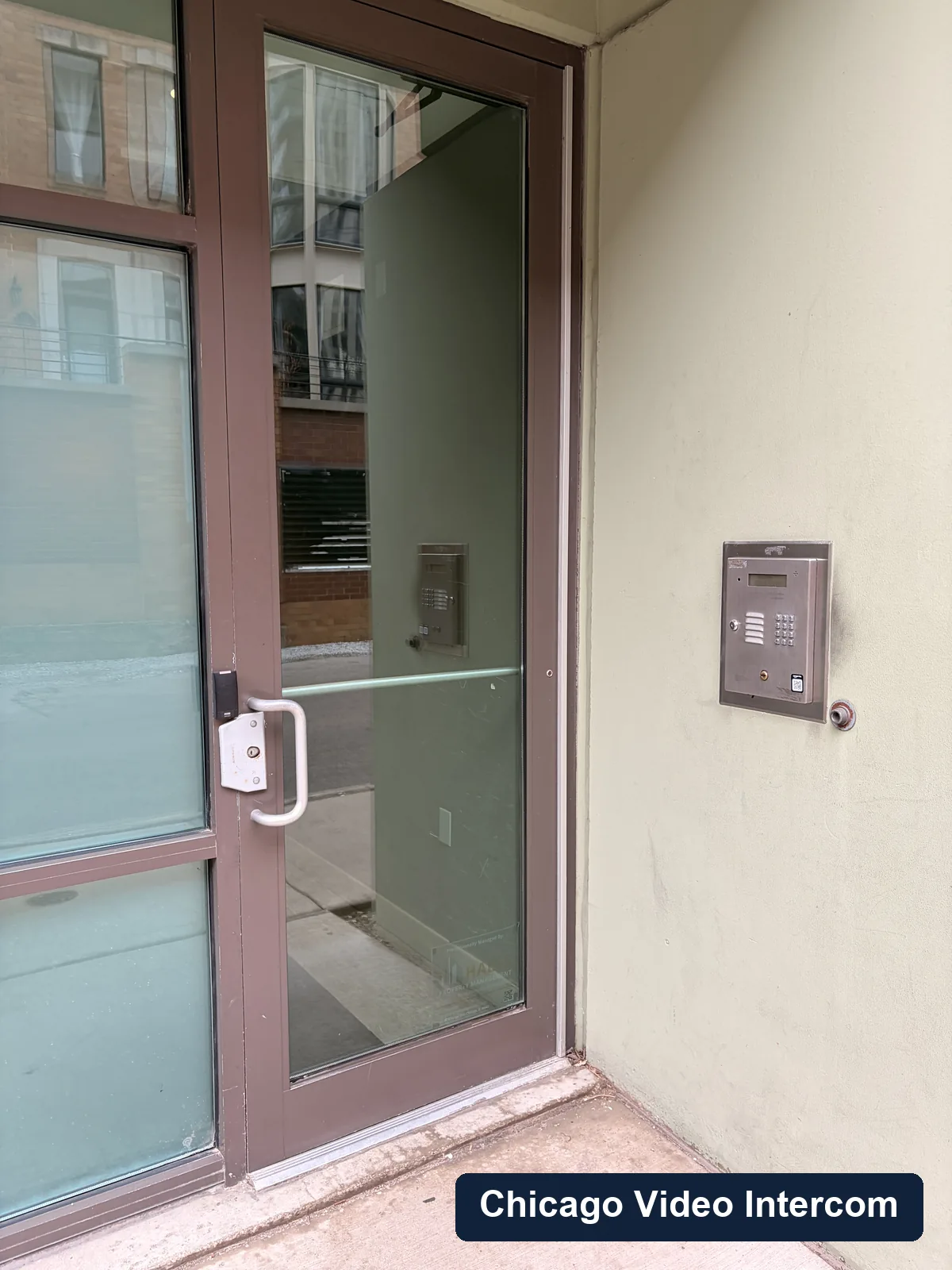
Field photos for commercial video intercom systems
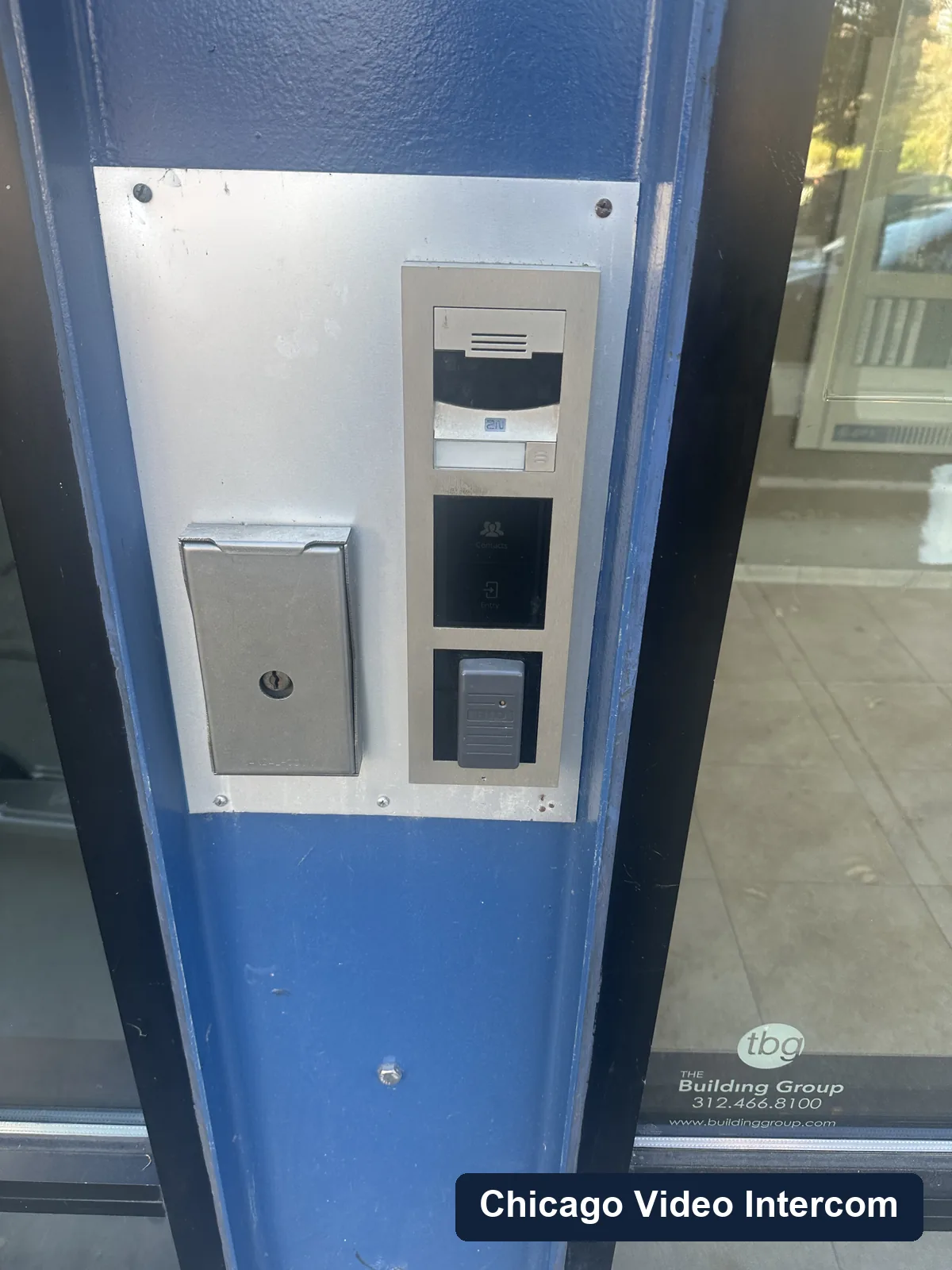
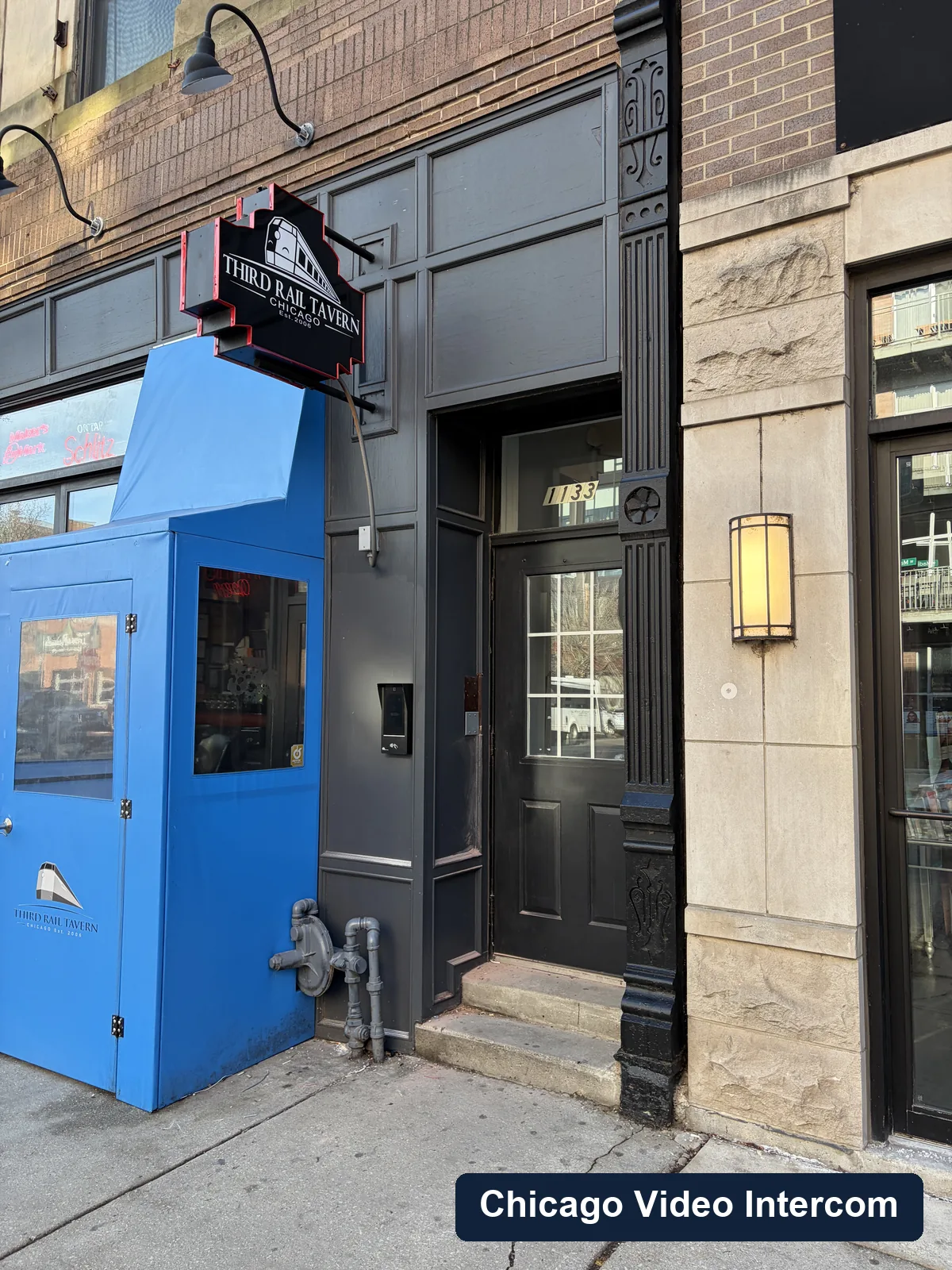
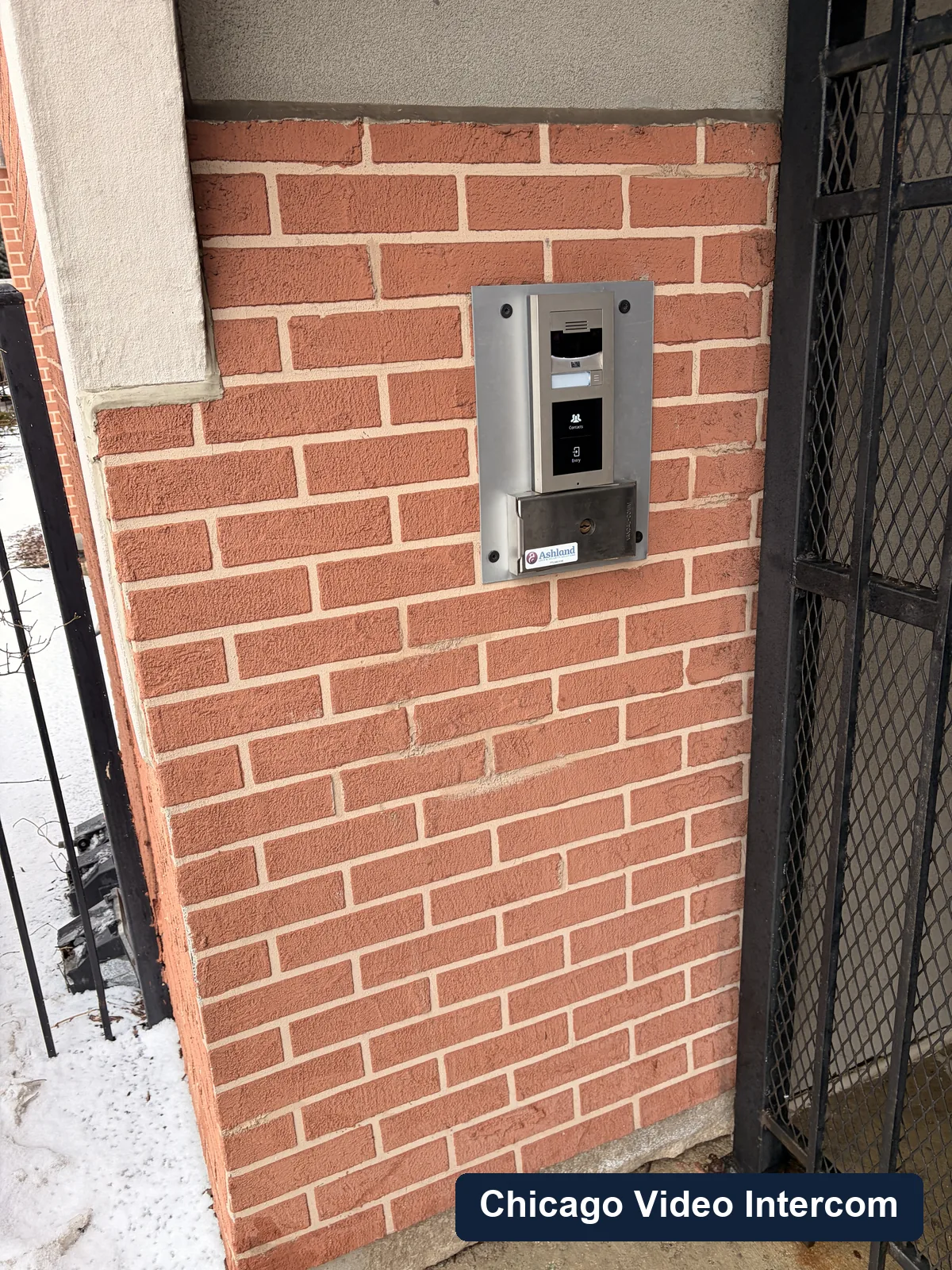
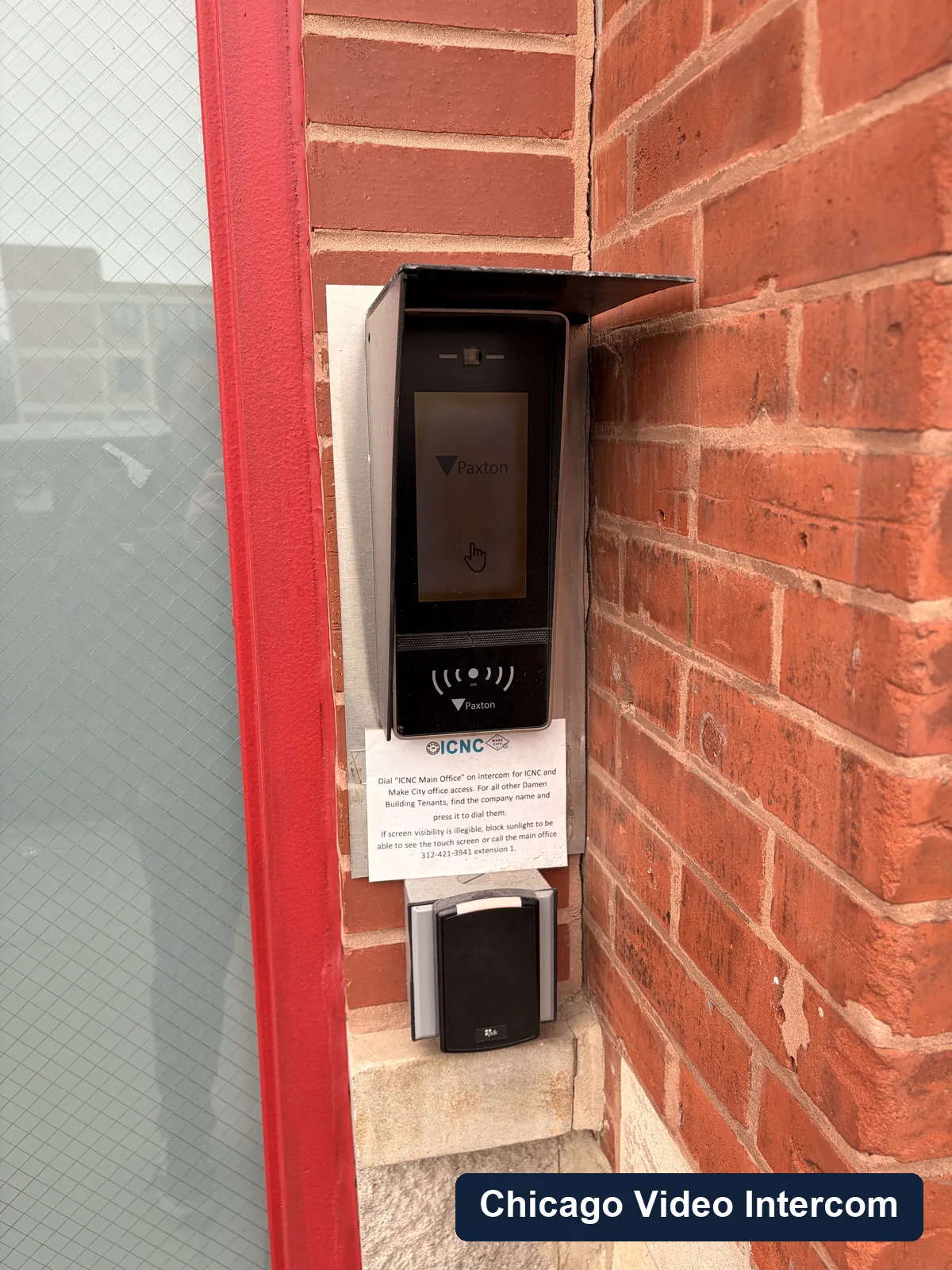
These are real entry panels, wiring areas, gate entries, lobby panels, and service conditions from the kind of Chicago buildings this page is about.
Areas served
Chicago service area
Service covers Chicago neighborhoods including Lincoln Park, Lakeview, River North, Wicker Park, and West Loop, with nearby suburban work in Evanston, Skokie, Winnetka, Wilmette, and Northbrook.
FAQ
Questions about commercial video intercom systems
Can staff answer the intercom from a phone?
Yes. Many commercial video intercoms can call a mobile app or designated users, which is helpful for small teams and after-hours access.
Can a commercial intercom work with fob access?
Often, yes. The exact setup depends on the intercom, access control hardware, and the door's locking equipment.
Do you install systems for warehouses and service doors?
Yes. Rear doors, delivery doors, and staff entrances are common commercial use cases.
Talk through commercial video intercom systems
Share the building type, neighborhood, number of units or users, entry points, and what is happening with the current system.